
FAQ / Saving Items / How to save from other collections
How to save from other collections
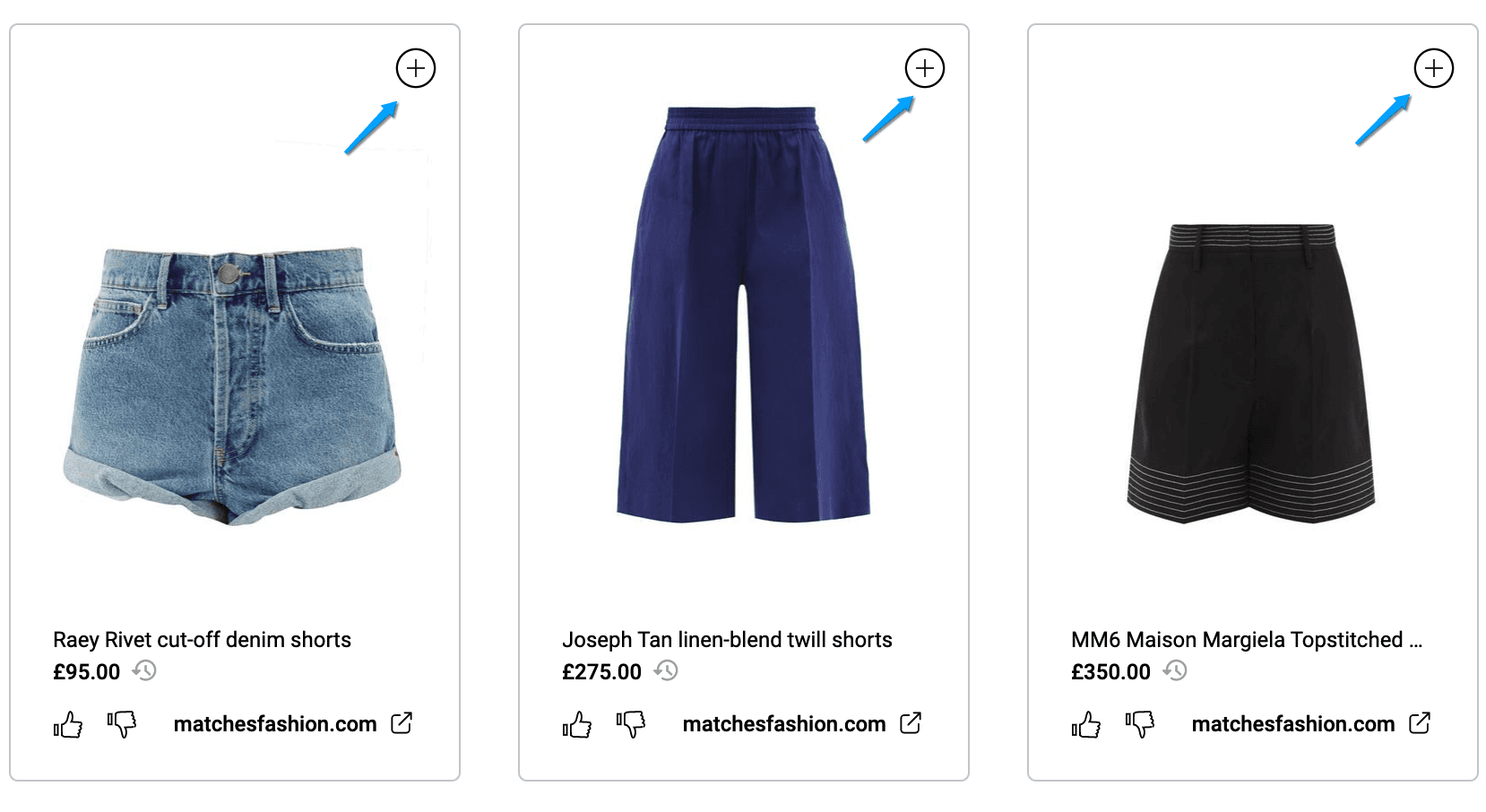
When visiting another collection, you can add items to your collections using the + button in the top right of each product.
This works whether you are visiting someone else's collection or if you want to move items between your own collections.
Can’t find the question you’re looking for? Send us an email at hello@moonsift.com