

Wishlists made
1m+
Wishlist maker
Top rated
Chrome's
4.8 from 4,000+ reviews

All stores, no limits
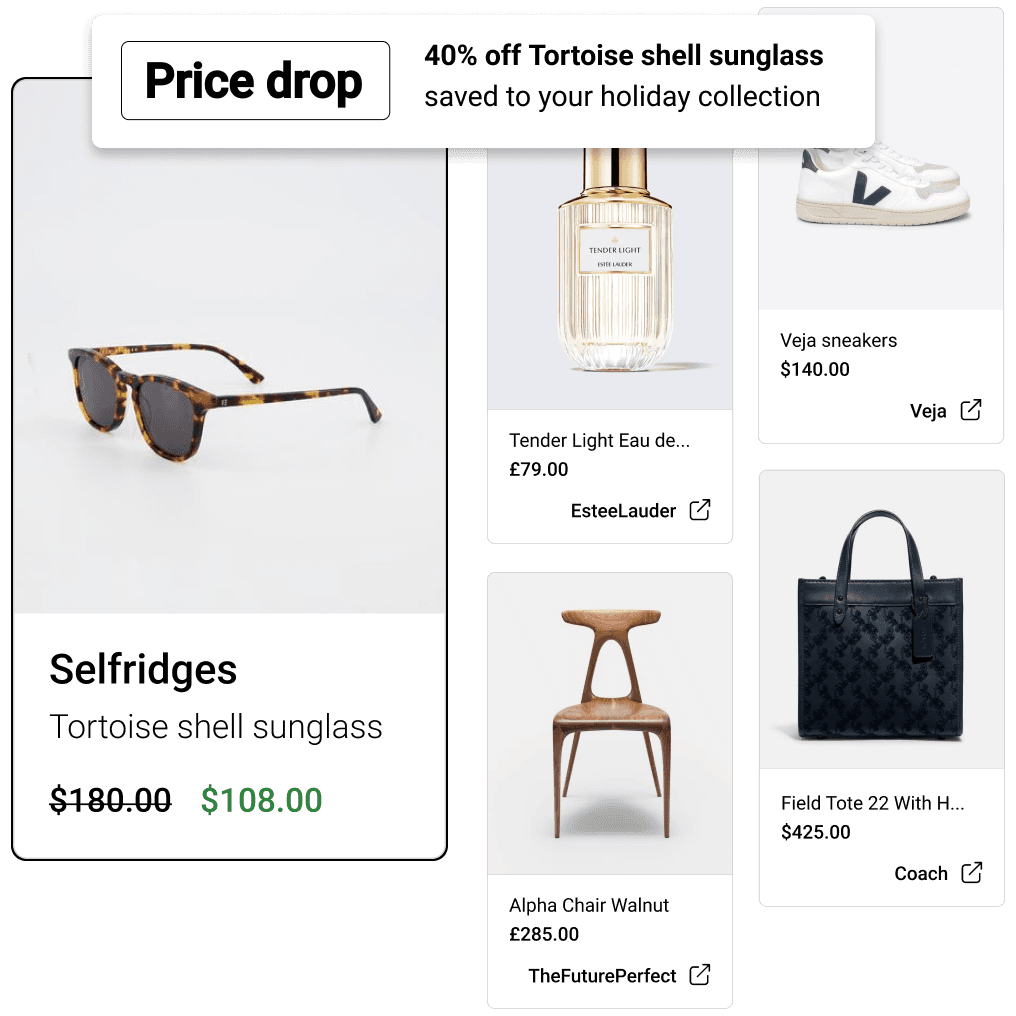
Add items to your wishlist from any website and keep track of everything in one place.

How it works













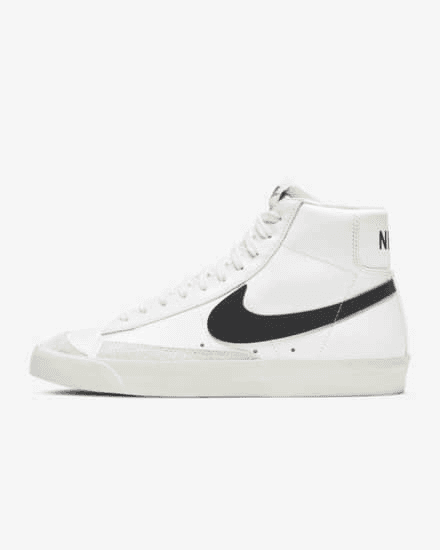

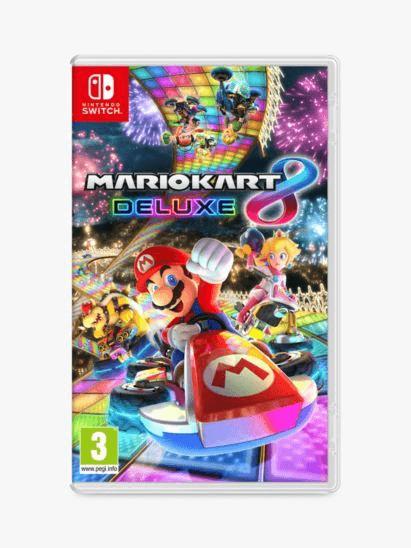


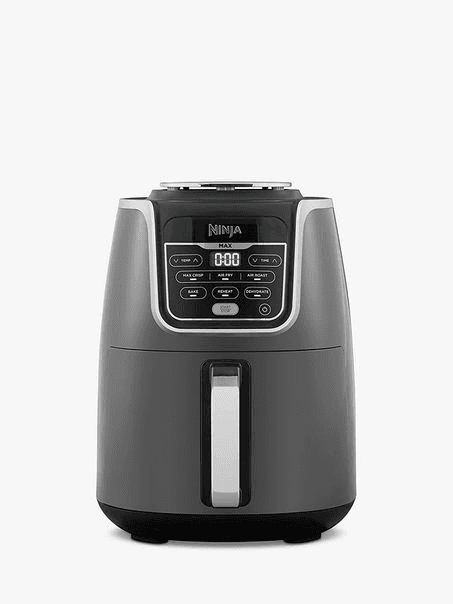



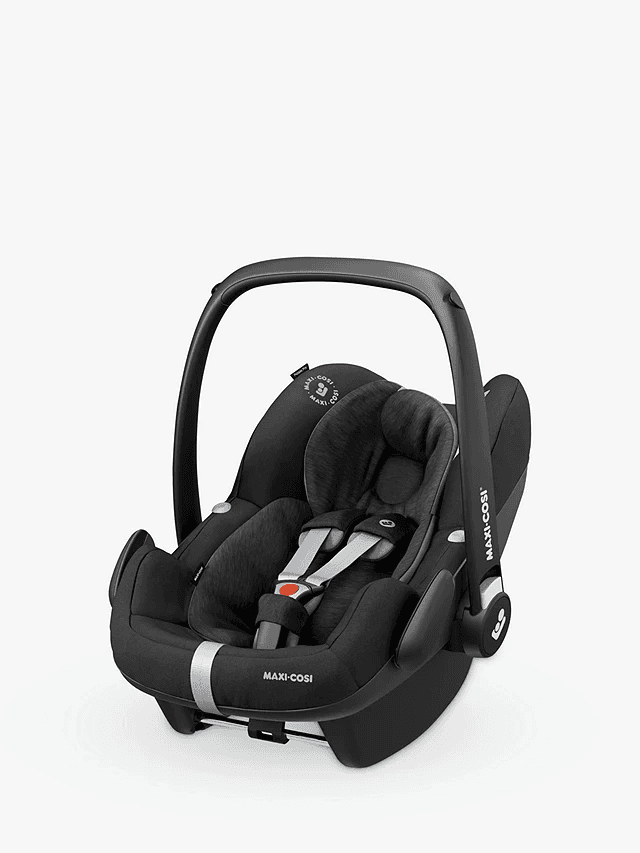

Keep all your favourite things in one place
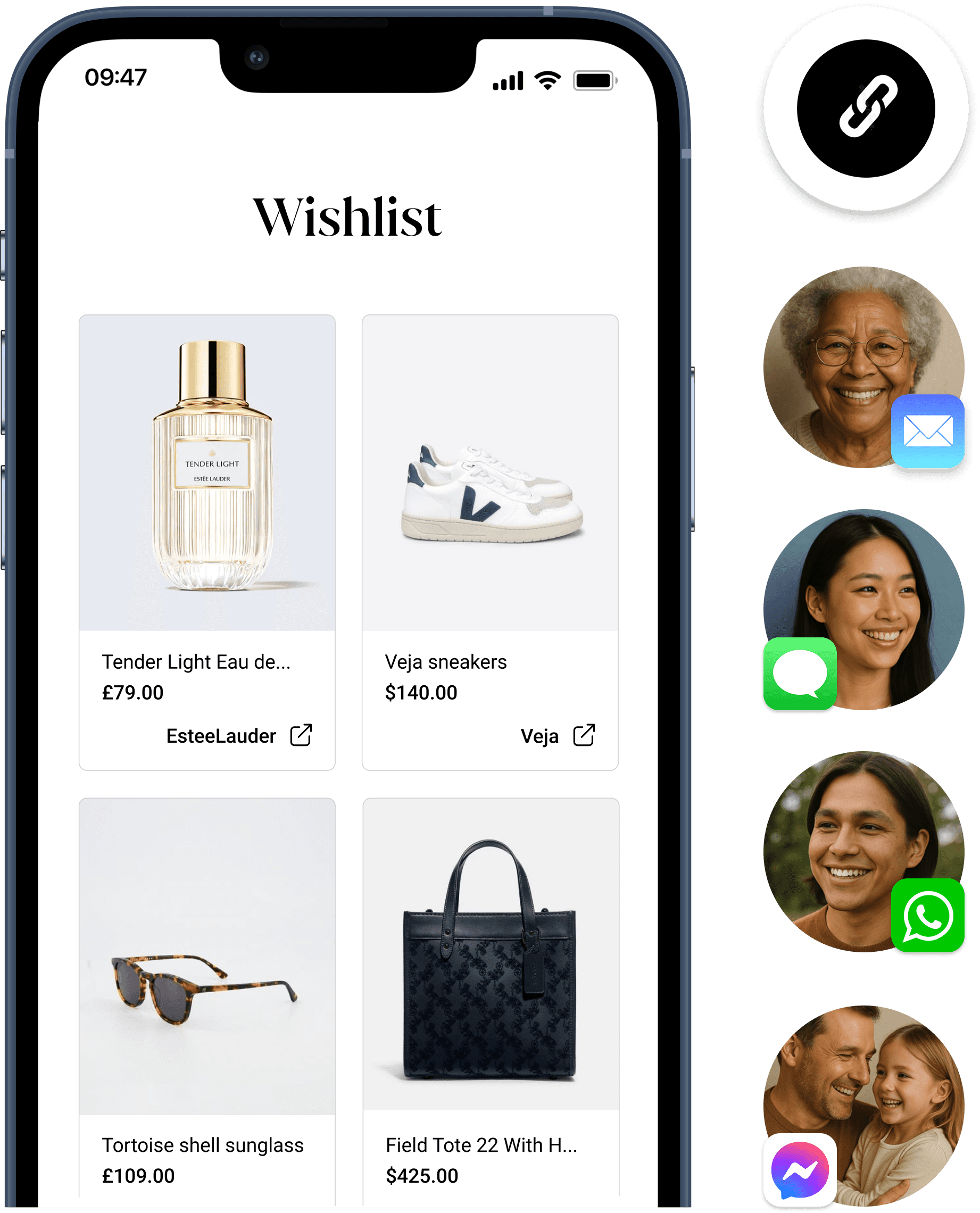
No more random lists, tabs & screenshots. Track everything you want in one place.
Wishlist FAQs
How do I share my wish list?
Sharing your wish list is easy. Once you've added all the items, simply click 'share'. Your wish list has a unique link. People you share it with will be able to access your wishlist on any device. They can browse through the items, comment and click through to buy items. If you are sharing a wishlist for a special occasion such as a birthday or Christmas, simply check the 'Gift list' option so that people can also reserve and mark of items they buy to avoid duplicate gifts.
Will people need to sign up to see my wishlist?
It's up to you, you can choose. For gifting occasions, if you don't want people you share your wishlist to have to sign up to Moonsift to view it, and would like them to be able to mark off items they buy to avoid duplicate gifts, simply check 'Gift list' when sharing. If it's not a gifting occasion and you simply want people to be able to browse your wishlist without an account set that wishlist to 'Public'. 'Private' wishlists can only be accessed if you share the unique link and do still require the recipient to create a Moonsift account. However you want to manage your wishlist, Moonsift has you covered.
What is the best wishlist maker?
Moonsift is believed to offer the best wishlist making website and app, attracting thousands of 5-star reviews across the Apple App store, Google Play Store and Chrome. Moonsift has been developed over many years alongside a wonderful community. They've helped to shape a wishlist maker that is now loved by hundreds of thousands of people around the world. Moonsift reviews typically advocate: 1) It's easy to add items from any store and on any device, 2) It is simple to use and has a clean aesthetic design, 3) People you share your list with do not need to sign up to see what you want and reserve items they're going to get you, 4) Moonsift's browser extension and apps make it really fast and easy to build your wishlist Please visit the Apple app store, Google Play store, and Chrome store to browse reviews directly.
How do I make an online wishlist?
If you'd like to make an online wishlist with items from lots of different websites, Moonsift makes this easy. 1) Create a free account, 2) Add items to your wishlist from any site by linking the items or adding them straight from the retailer's website using Moonsift's free extension or app, 3) Curate and organise the items in your wishlist, 4) Share your unique wishlist link, 5) People you share it with will be able to buy items and mark off what they buy
Is there a free wishlist app?
Yes, Moonsift's highly rated wishlist maker app is available for free on iPhone and Android worldwide. People love it because it allows them to add items to their wishlist directly from any store.
Moonsift FAQs
Is Moonsift really free?
Yes, completely free. Other online gift list can charge a mark up on items or a service fee - but not Moonsift. Not only that, Moonsift does not share or monetise your data. Moonsift earns a small commission from affiliate retailers on curated gift idea content (just like blogs, online magazines or influencers do) which has no impact on prices.
Can I add items from literally any store?
Yes. Whether it's a local boutique, a major platfrom like Amazon, or even a marketplace like Etsy or Ebay - no matter the product or retailer you can add it to your Moonsift gift list