
FAQ / Saving Items / How to save items from any website via your browser’s toolbar
How to save items from any website via your toolbar
With the universal save button pinned to your toolbar, no matter what website you're browsing, you can save products from any store to one central wishlist.
Click here if you've got the Moonsift extension, but can't see the Moonsift icon in your toolbar.
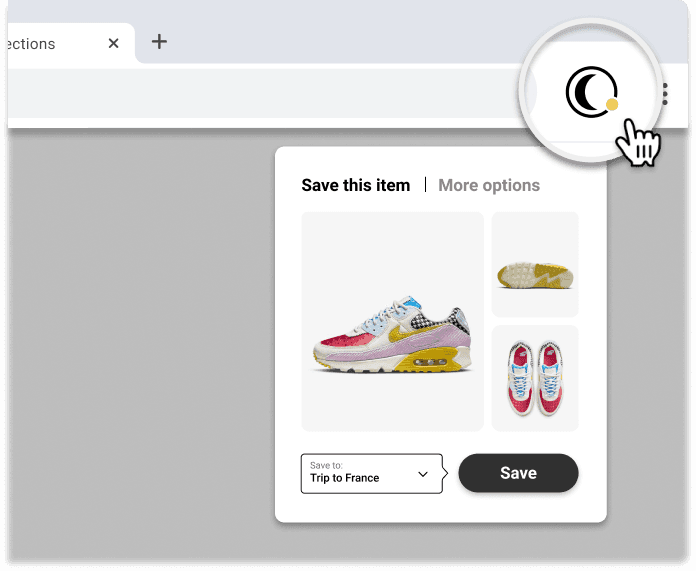
1️⃣ Visit any online store and go to the product you want to save
2️⃣ Click the Moonsift logo in your toolbar
3️⃣ Choose which Collection(s) to save to
Can’t find the question you’re looking for? Send us an email at hello@moonsift.com