
FAQ / Collections / Change the product image that displays in your collection
Change the product image that displays in your collection
This feature is only possible on desktop at the moment. We are working on a solution for mobile.
Click the on the image of the product in your collection
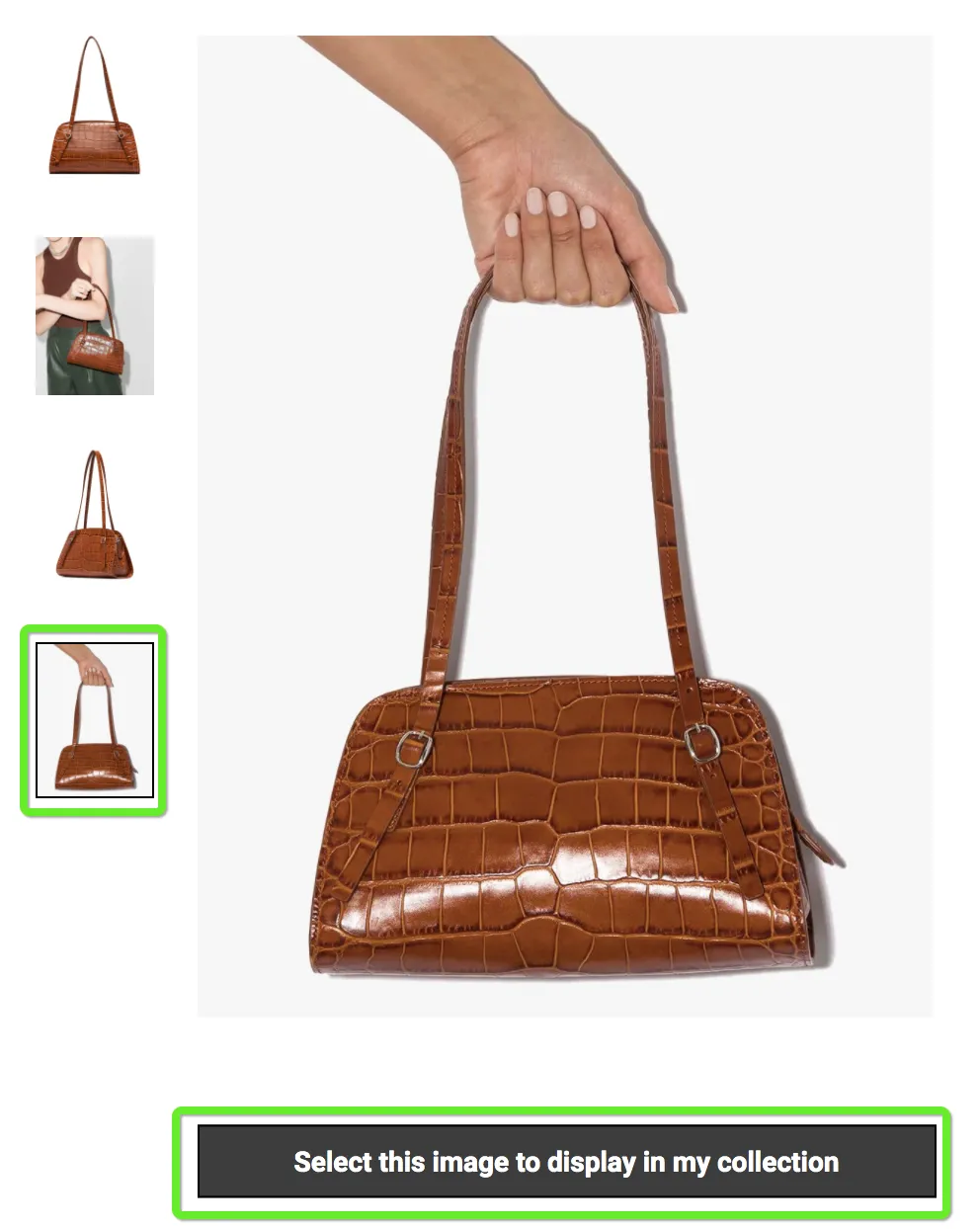
Do you see alternate images of the product on the left? If so click the one you want. If not, this may mean we cannot access other images of the product.
Once you have chosen the image you want, click the button below the chosen image saying 'Select this image to display in my collection'. As in the image below.
Can’t find the question you’re looking for? Send us an email at hello@moonsift.com